
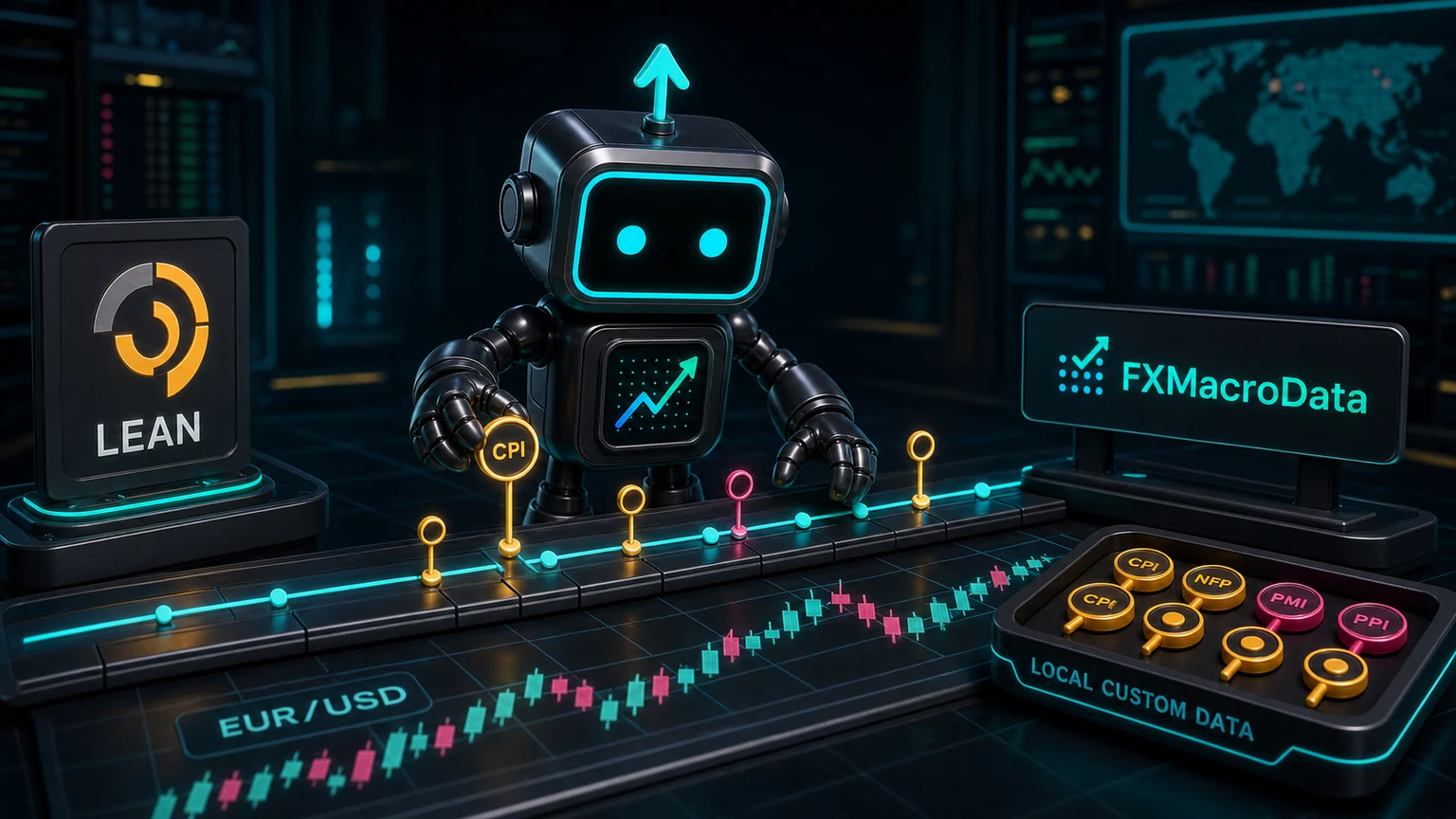
QuantConnect LEAN is a serious event-driven trading engine for research, backtesting, optimization, and live trading. FXMacroData fits into that workflow as a macro-data input: confirmed release schedules, announcement history, FX context, session windows, and other event features that can be joined to price data before a backtest runs.
https://api.fxmacrodata.com, storing them as point-in-time custom data, and loading them into your algorithm as local or hosted custom data. Do not make uncontrolled live HTTP calls from inside a backtest loop.
The best pattern is boring and repeatable: snapshot the macro dataset, version the file, load it through LEAN custom data, and record which snapshot was used for each result. That gives your team a backtest that can be rerun, reviewed, and compared.
Fit
Use this for
FX macro-event filters, release-window studies, regime features, and backtests that need repeatable macro context.
LEAN works best when
The strategy can consume custom time series or event rows as part of the normal data stream.
Avoid
Fetching changing external macro data during historical simulation without a fixed snapshot.
Why LEAN Fits FX Macro Backtests
LEAN is built for event-driven strategies and supports custom datasets. That is a natural fit for macro rows because a release calendar is not a price series in the usual OHLCV sense. It is an external event stream that affects whether a strategy should trade, stand down, change sizing, or separate event windows in analysis.
For example, a EUR/USD strategy can test whether entries should be blocked in the hour before US CPI, whether Non-Farm Payrolls days have different slippage assumptions, or whether Federal Reserve policy-rate weeks should be treated as a separate regime.
What Changes for the Research Team
Without macro-event data, a backtest can accidentally reward behavior that would be uncomfortable in production. A breakout system may look robust because it captured large candles around inflation releases. A mean-reversion system may look stable until the same release windows are isolated. LEAN gives the research team the engine; FXMacroData gives the calendar and announcement context needed to ask whether the edge survives known macro risk.
The editorial question for the quant is not "can I add another dataset?" It is "which part of the strategy is actually being paid?" If returns cluster around high-impact events, the strategy may be a release-risk strategy even if the code was written as a technical trend model. That is a different risk profile, a different execution problem, and a different live monitoring requirement.
Research scenario
A team has a EUR/USD momentum model that performs well in 15-minute bars. Before trusting the result, they tag each bar by USD release proximity, run the strategy with and without those windows, and check whether performance depends on trading through the most difficult minutes of the week.
This is why point-in-time snapshots matter. The backtest should capture the macro information the strategy would have known at the time, not whatever the API returns today after revisions, corrections, or additional history. Treat the macro export as part of the experiment definition, just like the symbol universe and date range.
Workflow Shape
1. Select
Choose currency, indicator, event window, and the exact historical range.
2. Snapshot
Export FXMacroData rows and store them beside the LEAN project.
3. Load
Use LEAN custom data to feed release rows into the algorithm.
4. Compare
Run the base strategy, event-filter variant, and sensitivity windows.
Live REST or Snapshot File?
| Approach | Best for | Tradeoff |
|---|---|---|
| Snapshot CSV or JSONL | Historical backtests, optimization, and reproducible research. | You need an export step, but results can be reproduced. |
| Custom data class | LEAN algorithms that should consume macro rows like any other data feed. | You maintain a small parser and schema. |
| Live REST call | Research notebooks or live monitoring outside the backtest loop. | Not ideal for historical simulation because the response can change over time. |
| MCP | AI assistants helping an analyst inspect datasets or generate code. | Use MCP around the research workflow, not as the backtest data feed. |
Step 1: Export FXMacroData Rows
Pull the data outside the algorithm and write a local file. Start with a narrow calendar or announcement dataset.
curl -H "X-API-Key: YOUR_API_KEY" "https://api.fxmacrodata.com/v1/calendar/usd" \
  -o data/fxmacro_usd_calendar.json

curl -H "X-API-Key: YOUR_API_KEY" "https://api.fxmacrodata.com/v1/announcements/usd/inflation" \
  -o data/fxmacro_usd_cpi.json
If your strategy needs pair context, export it with the same snapshot ID.
curl -H "X-API-Key: YOUR_API_KEY" "https://api.fxmacrodata.com/v1/forex/eur/usd" \
  -o data/fxmacro_eurusd_snapshot.json
Step 2: Load Macro Rows as Custom Data
LEAN custom data can read local files when you run the engine locally. Keep the file simple: timestamp, currency, indicator, importance, and a value or state column.
time,currency,indicator,event_state,importance
2026-07-15T12:30:00Z,usd,inflation,confirmed,high
2026-08-07T12:30:00Z,usd,non_farm_payrolls,confirmed,high
A minimal Python custom data class parses rows and exposes them to the algorithm. Treat this as the shape, then adapt it to your exact file and LEAN version.
class FxMacroEvent(PythonData):
    def GetSource(self, config, date, is_live):
        return SubscriptionDataSource(
            "data/fxmacro_usd_calendar.csv",
            SubscriptionTransportMedium.LocalFile
        )

    def Reader(self, config, line, date, is_live):
        if line.startswith("time,"):
            return None
        time, currency, indicator, state, importance = line.split(",")
        item = FxMacroEvent()
        item.Time = DateTime.Parse(time)
        item.Value = 1 if importance == "high" else 0
        item["indicator"] = indicator
        return item
Step 3: Use Events in the Strategy
Once events are part of the algorithm, use them as filters or regime labels. Keep the first version explicit: block entries around high-impact events, then test whether the filter improved the strategy.
def Initialize(self):
    self.SetStartDate(2024, 1, 1)
    self.SetCash(100000)
    self.eurusd = self.AddForex("EURUSD", Resolution.Minute).Symbol
    self.macro = self.AddData(FxMacroEvent, "USD_MACRO").Symbol
    self.block_until = self.Time

def OnData(self, data):
    if data.ContainsKey(self.macro):
        self.block_until = self.Time + timedelta(hours=1)
    if self.Time < self.block_until:
        return
    # normal strategy logic continues here
Then compare at least three runs: no macro filter, pre-event block only, and pre-plus-post event block. That makes the macro contribution visible instead of hidden inside the rest of the strategy.
What to Measure
The macro filter is useful only if it changes a decision that matters. Do not stop at the headline Sharpe ratio. Look at the trades it blocks, the returns it removes, and the operational risk it avoids.
| Question | Why it matters | Useful output |
|---|---|---|
| How much P&L came from event windows? | Shows whether the strategy is unknowingly a macro-release strategy. | Return contribution by release type and window size. |
| What happens when event windows are excluded? | Tests whether the core signal survives normal market conditions. | Base, pre-event block, and pre/post-event block comparison. |
| Which events create the worst drawdowns? | Turns the calendar into a risk-control input rather than a decoration. | Drawdown attribution by CPI, jobs, policy-rate, or other event family. |
Optional AI Research Layer
An AI assistant can help summarize a backtest result, explain release windows, or write a first custom-data parser. Use FXMacroData MCP at https://mcp.fxmacrodata.com when the assistant host supports MCP. Keep the actual LEAN simulation data fixed in files.
{
  "servers": {
    "FXMacroData": {
      "type": "http",
      "url": "https://mcp.fxmacrodata.com",
      "headers": {"Authorization": "Bearer YOUR_API_KEY"}
    }
  }
}
Backtest Guardrails
Minimum controls
- Snapshot FXMacroData inputs before running a backtest.
- Record the source endpoint, export time, and file hash.
- Never infer future release dates from cadence rules.
- Run sensitivity tests around event windows and time zones.
- Separate backtest research from live order-routing decisions.
Sources
